

From live transcription and photo editing to contextual search and automated task execution, AI now runs continuously in the background of many flagship devices. But as these features expand, so does a growing user concern: is AI quietly draining battery life?
The short answer is nuanced. AI itself is not inherently inefficient. However, the architectural choices behind how AI runs — on-device, in the cloud, or through hybrid execution — can significantly influence energy consumption.
Why AI Uses More Power Than Traditional Features
Unlike static apps that perform discrete tasks and close, AI systems often operate persistently. Features such as predictive text, live summarization, background photo classification, and contextual assistants rely on continuous monitoring and inference.
Modern flagship phones now include dedicated neural processing units (NPUs) to handle these workloads more efficiently. Google’s Android AI documentation highlights how on-device models are optimized for lower latency and improved energy efficiency compared to running tasks purely on general-purpose CPUs (Android AI overview).
Even so, “efficient” does not mean “free.” AI workloads require memory allocation, compute cycles, and in some cases sustained thermal output. Over time, that adds up.
On-Device AI vs Cloud AI: The Battery Tradeoff
Battery impact depends heavily on where processing occurs.
- On-device AI consumes local compute resources but avoids constant network activity.
- Cloud AI reduces on-device computation but increases modem usage and network transmission.
Network activity can be surprisingly energy-intensive. When AI requests require frequent cloud calls — especially over mobile data — battery drain may spike due to sustained radio usage rather than local inference.
Hybrid systems attempt to balance this by handling lightweight tasks locally and escalating more complex reasoning to the cloud.
Background Activity Is the Real Variable
What most users experience as “AI battery drain” is often background orchestration rather than a single feature. Context-aware assistants monitor usage patterns. Photo apps analyze new images. Messaging apps suggest replies in real time. Voice triggers remain partially active to detect wake words.
Individually, each process is small. Collectively, they can create measurable standby consumption differences compared to older devices that lacked persistent AI layers.
Thermals, Performance, and Efficiency
Battery drain is closely tied to thermals. When AI inference runs repeatedly — such as during extended transcription, image generation, or heavy automation tasks — devices may warm up. Increased temperature reduces efficiency and can trigger performance throttling.
Chipmakers have responded by improving NPU efficiency and optimizing memory bandwidth. Yet larger AI models still require meaningful compute. The more advanced the feature, the greater the potential power footprint.
Are Flagship Phones Worse Off?
Ironically, premium smartphones often manage AI workloads more efficiently than mid-range devices. Higher-end chipsets integrate more capable NPUs and better power management systems.
However, flagship devices also enable more AI features by default. The cumulative effect depends less on hardware class and more on how many AI-powered tools are active at once.
How to Reduce AI-Related Battery Drain
Users concerned about battery performance can take practical steps:
- Disable always-on voice activation if rarely used.
- Review background permissions for AI-enhanced apps.
- Turn off automatic photo analysis features if unnecessary.
- Limit mobile data usage for AI-heavy features when possible.
- Keep system software updated for efficiency improvements.
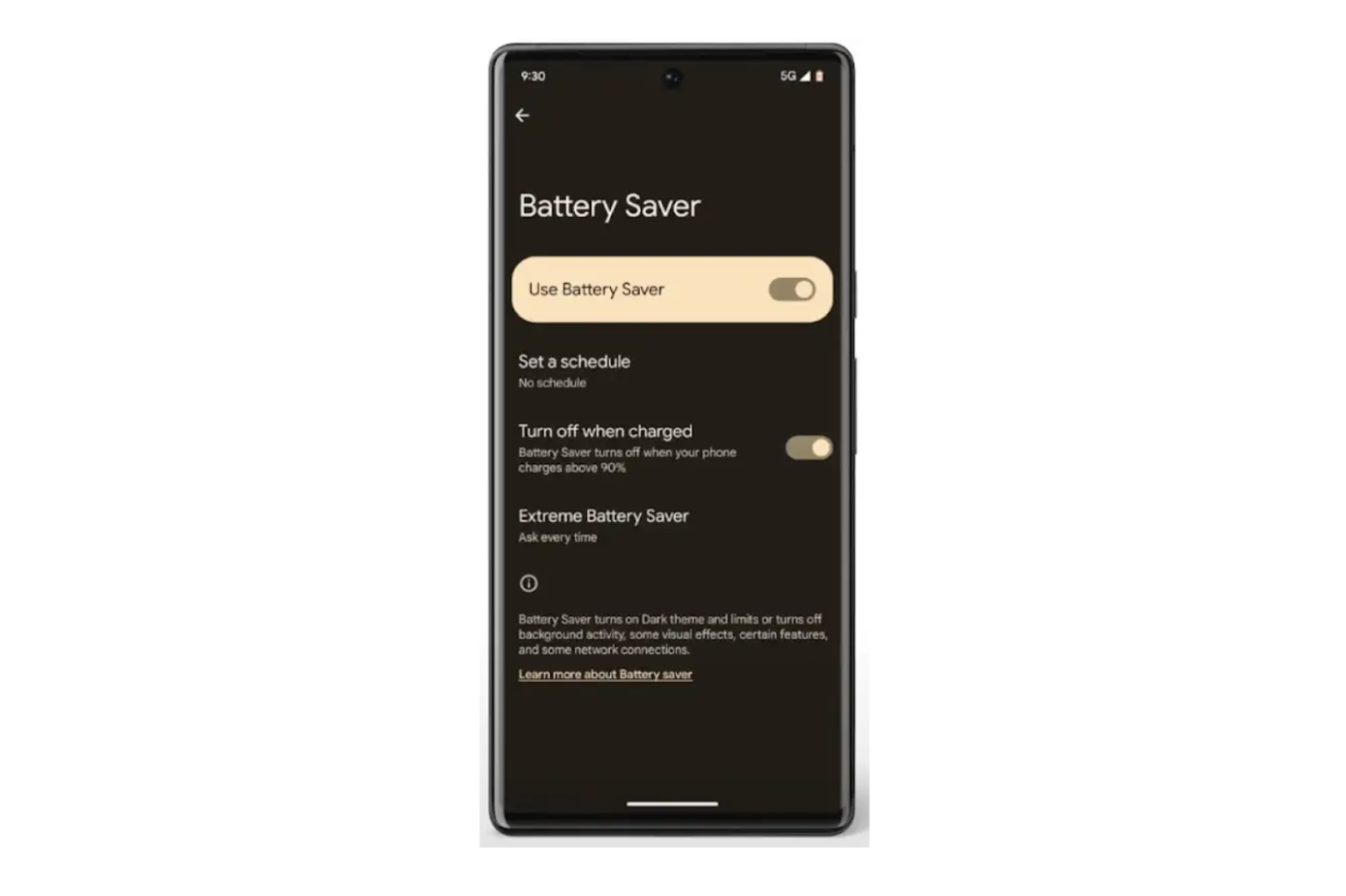
Most modern operating systems now provide granular battery usage dashboards that reveal which services consume the most power.
The Bigger Picture
AI is not a temporary feature. It is becoming foundational to smartphone UX. That means battery optimization will remain a central engineering challenge.
In 2026, the conversation is less about whether AI drains battery and more about how intelligently platforms manage that tradeoff. Devices that deliver strong automation while maintaining predictable endurance will define the next upgrade cycle.
For users, the practical takeaway is simple: AI does consume energy, but architecture and configuration matter far more than marketing narratives. Smart features can be efficient — provided they are deployed thoughtfully.